 UPLINK
Flashcards that find you.
Most flashcard apps wait for you to open them. UPLINK doesn't wait — it quizzes you at random times throughout your day, over notifications, until what you're memorizing becomes what you know.

iPhone, iPad & Apple Watch · free 7-day trial, one‑time unlock
Why ambient
Interruption beats intention
A study session is something you have to decide to do. An interruption just happens to you — closer to how you actually need to recall things, and no willpower required.
Completely unpredictable
You set the days, hours, and how often is too often. Inside those lines, UPLINK decides when to strike and how many questions to send. You never see it coming.
Cards never retire
Answer a card right fifty times and it still comes back eventually. Five years from now, UPLINK will still ask. That's the difference between cramming and knowing.
How it works
Load your cards
Write question/answer cards in the app — categories, decks, notes — or bulk-import a CSV straight from a spreadsheet. Attach images from your photos or clipboard, or make a card that's all picture, no text.
Set your window
Weekdays 8 to 6, every day around the clock, whatever fits. Choose the minimum and maximum gap between pushes and a daily cap.
Get quizzed out of nowhere
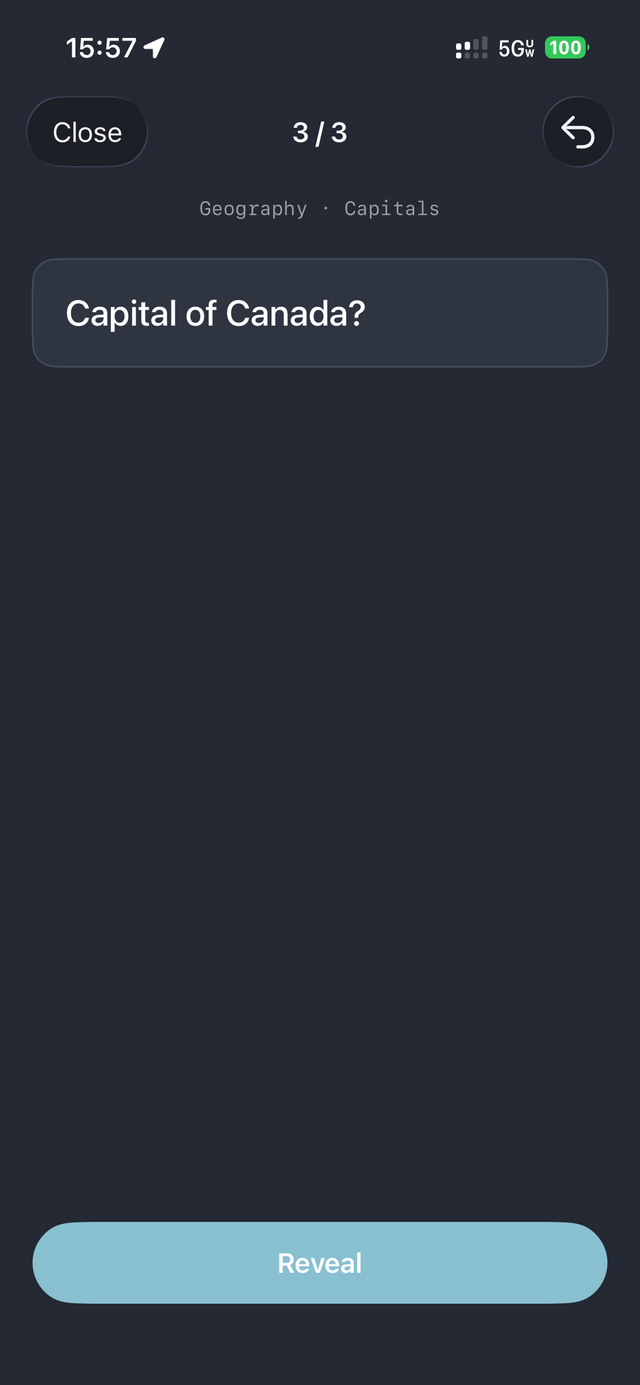
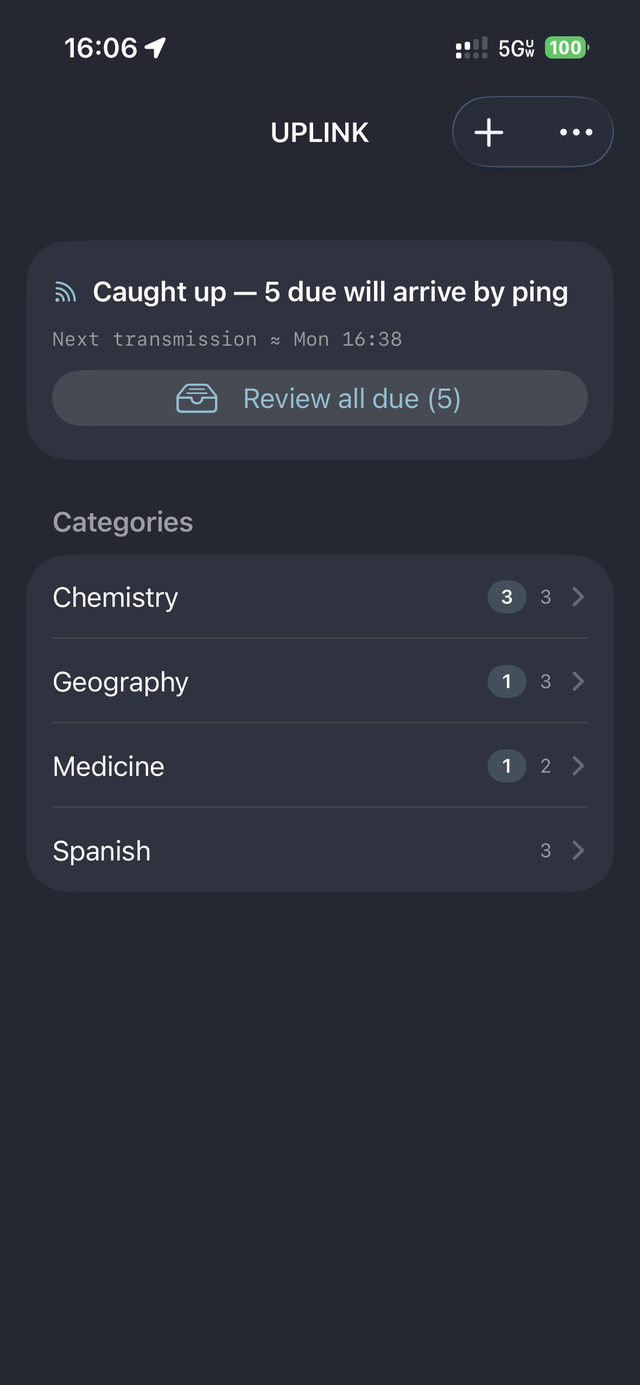
A notification lands with real questions on it. Tap, answer, grade yourself — Got it or Missed it — and get back to your day. On your phone, or right on your Apple Watch. Misses return within minutes; streaks drift out toward years.
On your devices
Features
Spaced repetition
A streak-based engine finds each card's natural frequency. Struggling cards hover close; mastered ones space out to months and years. Fat-finger a grade? The back button re-grades as if it never happened.
Batches scale with silence
A quiet morning earns a bigger batch. Per-push and per-day caps keep it from ever burying you.
Guaranteed review
Force must-know material — formulas, key definitions, critical procedures — to reappear at least every N days, no matter how well you know it. App-wide or per deck.
Images on cards
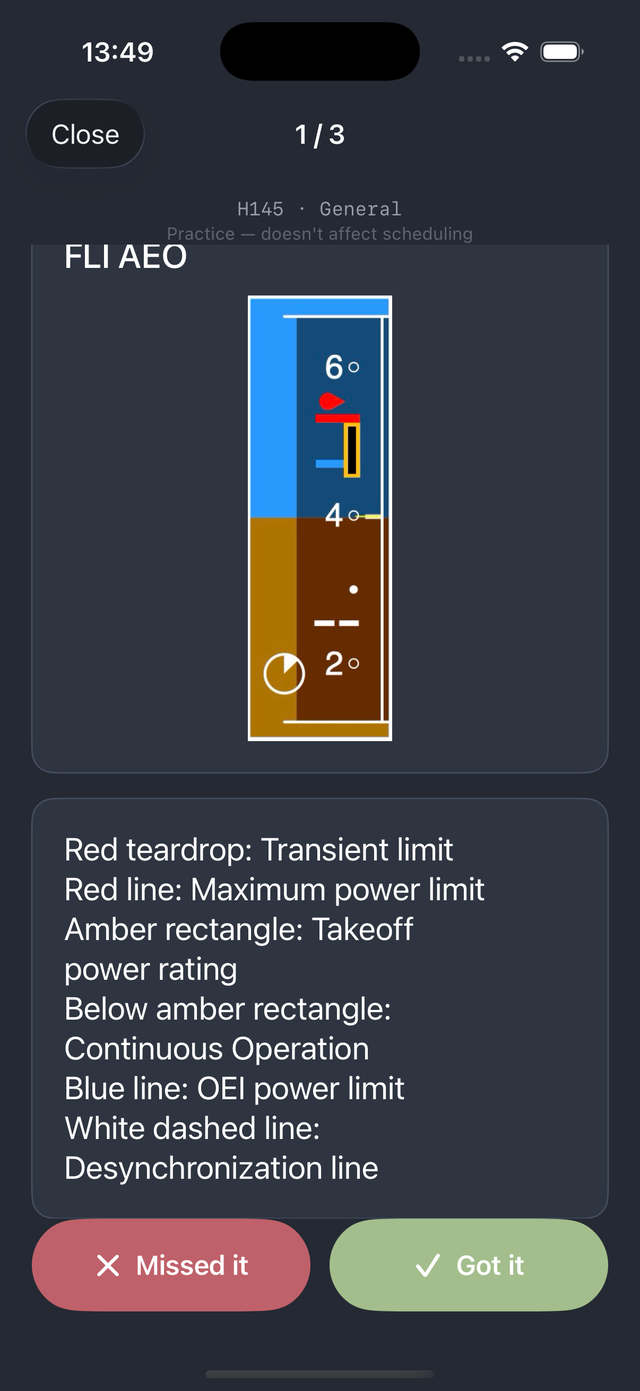
Attach an image to either side or to the notes — clip a diagram straight from a screenshot, and pinch to zoom during review. A card can even be picture-only: an unlabeled diagram asks, a labeled one answers.
Study mode
Test tomorrow? Cram any deck or category on demand — shuffled, with a score at the end. Pure practice: your spaced-repetition schedule is never touched.
Import & export
Author in a spreadsheet, back up your collection, or share decks with anyone else who has the app. Cards with images export as a zip that carries the pictures too. Grab the sample CSV to see the format.
Answer from your wrist
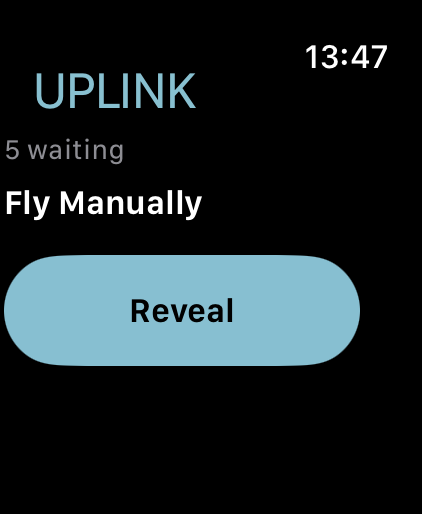
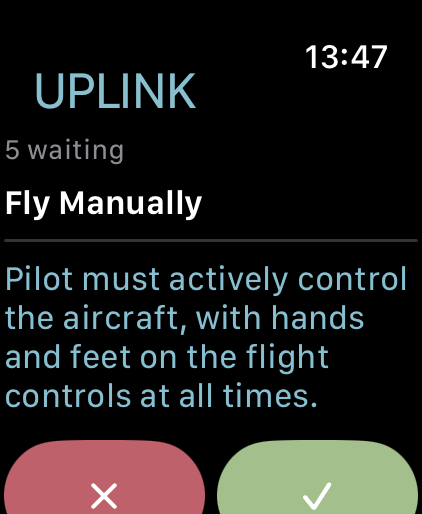
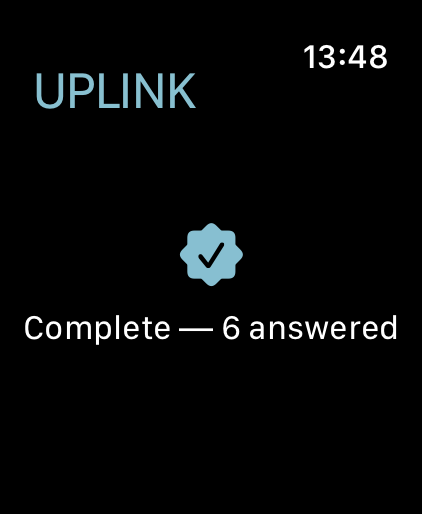
A ping lands on your Apple Watch — tap it and the UPLINK watch app walks you through each question: reveal, grade, next. With Double Tap (Series 9 and later), a pinch of your fingers flows through a whole batch without touching the screen.
One app, all your devices
iPhone and iPad stay in step through your own iCloud — same cards, same schedule, the very same ping at the very same moment. Answer some here, the rest there; everything settles.
Private by design
No account, no subscription, no analytics, no server of ours. Your cards live on your devices and your own private iCloud — nowhere we can see. Free for 7 days, then one one-time unlock — yours forever.